Every plat and CC&R, on your website.
Homeowners, agents, and builders call every day for covenants and plat maps. SubdivisionIQ answers them: a search box on your site for the recorded plat, the CC&Rs, and every amendment, straight from your plant.
Visitors type what they know.
The widget understands recorder shorthand. No. 3, 3rd, and third match. Spelling variants merge. A miss gets a did-you-mean, not a dead end.
- BROWNE style variants collapse to one subdivision entry.
- Names are cleaned from the recorded legal descriptions.
- Unrelated instrument types never appear. You map plat, declaration, and amendment once.
- Plat · SUB-2023-000321 lots
- Declaration of CC&RsVol. C, p. 42
- First amendment2024
- Easement, Lot 6recorded
Plat, declaration, amendments. In that order.
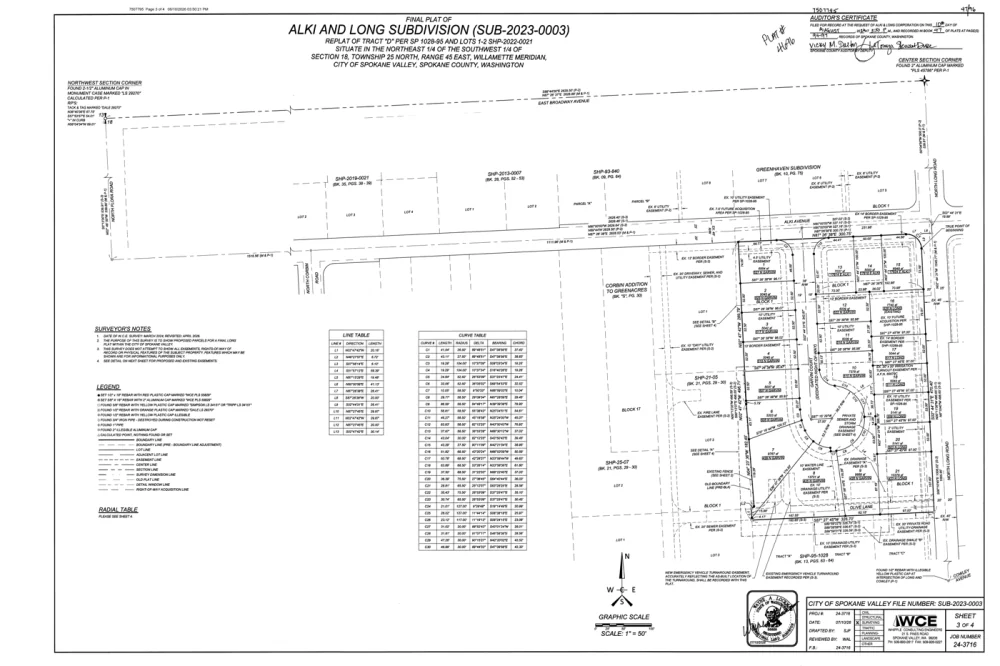
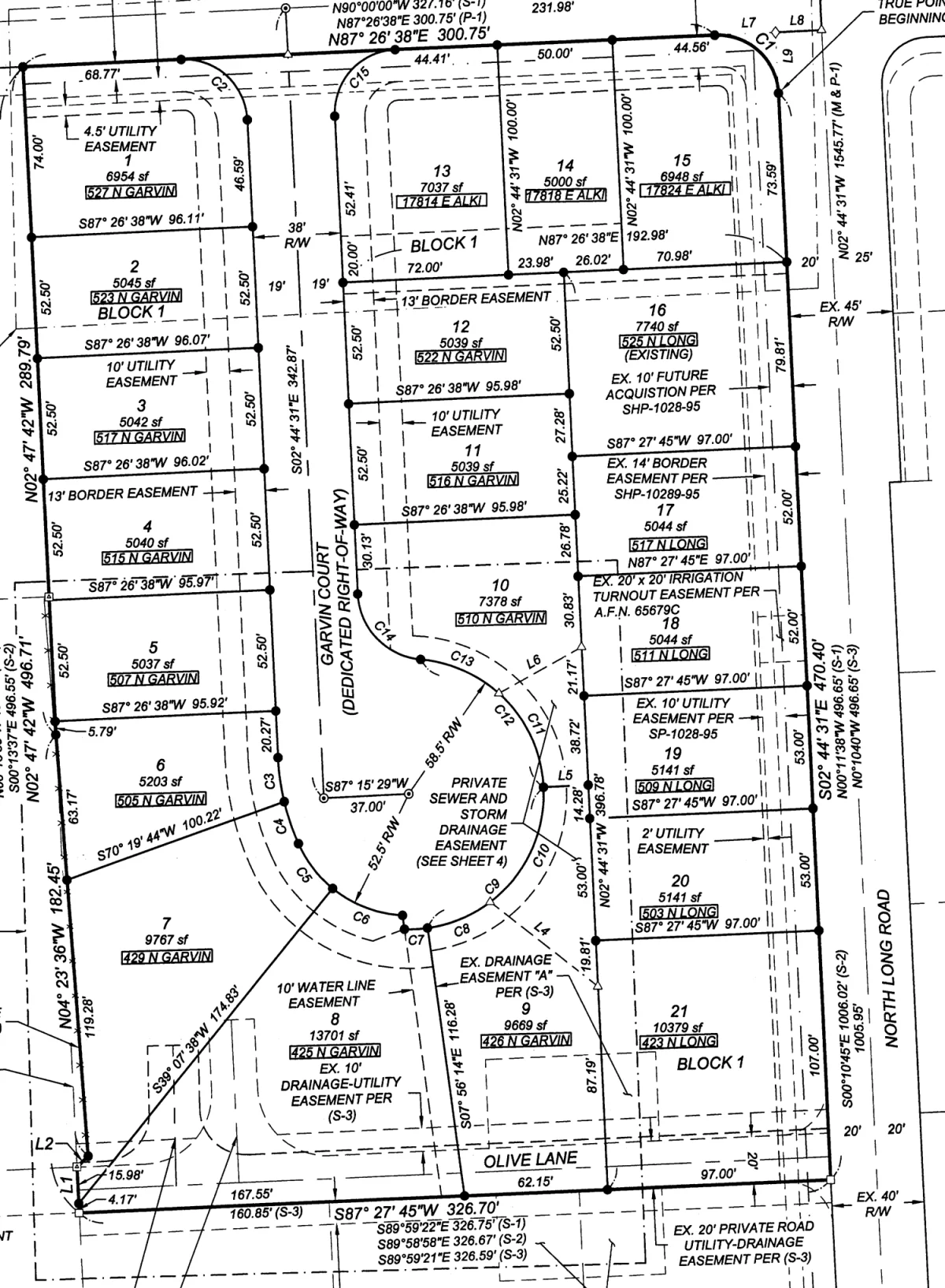
Each subdivision shows the recorded plat, the declaration of CC&Rs, and every amendment, grouped and dated. Documents open in the page.
- Zoom, pan, rotate, and page through. Phones get a full screen with pinch.
- A printable PDF. No county portal and no login.
- A breadcrumb keeps the visitor on the subdivision and the document.
- Plat · SUB-2023-000321 lots
- Declaration of CC&RsVol. C, p. 42
- First amendment2024
- Easement, Lot 6recorded
Fit it to your site with one word.
A button, a search bar, or the full browser. Same key, same data. The snippet is three lines, and size is the only word that changes.
- Button opens the browser in a popup.
- Search bar adds the county picker and suggestions as someone types.
- Full browser is the inline experience.
Bring the plant you already run.
PropertySync document groups, Title Tools county plants, or any image source we can reach: an export, a drive, or a legacy plant. One-time indexing setup applies when the images are not already in a plant we read.
- Several counties can share one embed key.
- Recorded history caches for good. Covenants and amendments refresh.
- A new amendment shows on the site within a day, without a ticket.
- PropertySync groupMulti-county
- Title Tools plantsReady
- Export, drive, legacyIndexed once
Know what your market is searching for.
Every search, open, and download is on your dashboard. Visitors stay anonymous unless you ask for a name and email before a download.
- Top searches, and the searches that found nothing.
- Open and download counts per subdivision.
- Usage by embed key and county, over any window.
- Searches1,284
- No-result searches38
- Documents opened167
The answers your front desk gives out all day.
Smart subdivision search
Shorthand, spelling variants, and a suggestion when the name is close.
The whole chain, grouped
Plat, declaration, and amendments, dated, so the current rules are obvious.
A real viewer
Zoom, pan, rotate, pages, and a printable PDF on any device.
Your brand, your leads
Full, minimal, or headerless. An optional name and email before download, routed to your team.
Common questions.
Does it work on our website platform?+
Yes. The widget is three lines that work anywhere you can paste a script, including WordPress, Squarespace, Wix, Drupal, and custom sites. It renders in its own container, so your styles and the widget stay apart.
Do we need PropertySync?+
No. PropertySync plants connect directly. SubdivisionIQ also serves Title Tools county plants and any image source we can index. Those can take a one-time setup. You can mix sources, and visitors will not see the difference.
How fresh is the data?+
Recorded documents do not change, so they stay cached. Subdivision lists, covenants, and amendments refresh on their own. A newly recorded amendment appears on your site within a day.
Will public searches hit our plant?+
No. Visitor traffic is served from the cache. The plant is touched by the background refresh, not by each search.
Can it match our branding?+
Three header styles: your logo and colors, a slim bar, or no header when the page already carries the brand. Colors come from the embed key.
What about anonymous visitors?+
Search and browsing are anonymous. You choose whether a download asks for a name and email, routed to your team as a lead, or stays open.
See SubdivisionIQ on your counties.
Tell us which counties you serve and we will stand up a live demo pointed at your plant, usually within a couple of days.